Building a real budget for the first time can feel overwhelming, but the right budgeting app turns a stressful chore into a two-minute daily habit. If you have been searching for practical personal finance tips to finally take control of your money in 2026, you are in the right place. This guide walks beginners through how modern money apps work, how to pick one that fits your spending style, and how to turn a downloaded app into steady, measurable financial progress.
Most people do not fail at budgeting because they lack discipline. They fail because the system is too manual. A good app removes that friction by syncing your accounts, categorizing transactions automatically, and showing you exactly where your paycheck disappears each month.
Why budgeting apps beat spreadsheets in 2026
Spreadsheets are powerful, but they demand constant manual entry. Miss a few days and the whole system collapses. Budgeting apps solve this by connecting securely to your bank and pulling transactions in real time.
In 2026, the best apps also use lightweight automation to flag unusual charges, predict upcoming bills, and nudge you before you overspend. That shift from reactive tracking to proactive coaching is what separates a modern money app from a static ledger.
- Automatic sync: Transactions import without typing.
- Smart categories: Groceries, dining, and subscriptions sort themselves.
- Real-time alerts: You know instantly when a category is nearly maxed.
- Goal tracking: Savings targets update as money moves.
Which budgeting method should a beginner choose?
Before you download anything, decide on a method. The app is just the tool; the method is the strategy. Three approaches dominate personal finance for beginners, and each pairs well with a different type of app.
- 50/30/20 rule: Send 50% of take-home pay to needs, 30% to wants, and 20% to savings and debt. It is forgiving and ideal for first-timers.
- Zero-based budgeting: Assign every dollar a job until income minus expenses equals zero. It is precise and great for people who want tight control.
- Envelope system: Split spending into digital envelopes. When an envelope is empty, spending in that category stops.
Start simple. Many beginners burn out by choosing zero-based budgeting on day one. The 50/30/20 rule gives you a gentle on-ramp and still produces real results within the first month.
Comparing popular budgeting app styles
Not every app fits every wallet. Some emphasize automation, others emphasize hands-on control. The table below breaks down the common categories so you can match features to your personality.
| App Style | Best For | Key Strength | Watch Out For |
|---|---|---|---|
| Automated tracker | Busy beginners | Hands-off categorizing | Less granular control |
| Zero-based planner | Detail lovers | Every dollar assigned | Steeper learning curve |
| Cash-flow forecaster | Irregular income | Predicts safe-to-spend | Needs stable linking |
| Savings-first app | Goal chasers | Auto-transfers to savings | May hold small buffers |
Setting up your first app the right way
Once you pick an app, the setup week determines whether the habit sticks. Rushing through onboarding leaves categories messy and reports useless. Slow down and configure it properly.
First, link every account you use, including credit cards and secondary checking accounts. Hidden accounts create blind spots. Next, review the last 30 days of transactions and correct any miscategorized items. This teaches the app your patterns and improves future accuracy.
Then set three realistic spending limits based on your actual history, not aspirations. A budget you can hit builds momentum. If you want a payment app deep dive to complement your budgeting setup, this Cash App guide explains how peer-to-peer tools fit alongside a traditional budget.
Security matters too. The U.S. Consumer Financial Protection Bureau offers clear guidance on protecting your data when linking financial accounts, and it is worth a read before you connect anything. You can review it at the Consumer Financial Protection Bureau.
Turning tracking into real savings
Tracking alone does not build wealth. The magic happens when you act on what the app reveals. Most beginners discover two or three surprise leaks in their first month, usually subscriptions or dining.
Cancel one unused subscription and redirect that amount into a savings goal inside the app. Automate a small weekly transfer so saving happens without willpower. Over a year, those quiet automated moves often outpace any dramatic budget crackdown.
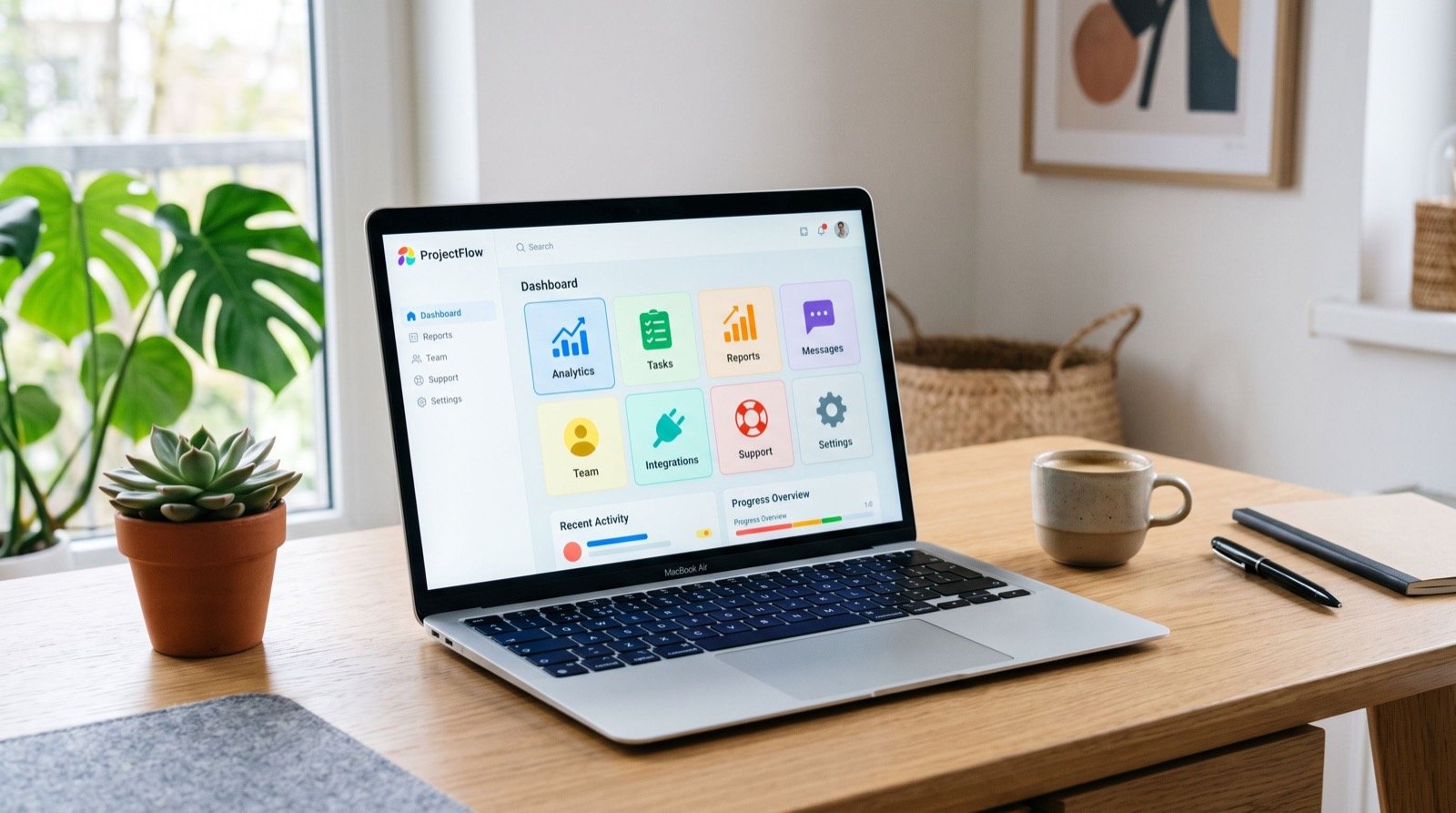
Review your dashboard every Sunday for five minutes. This weekly check-in keeps small overspends from snowballing and reinforces the habit. Consistency, not perfection, drives long-term financial health.
For readers looking to pair app-based budgeting with hands-on service support, an experienced local team can show how disciplined planning applies to larger financial decisions as well.
Habits that make any budgeting app stick
An app is only as effective as the routine around it. The people who succeed treat budgeting like brushing their teeth: quick, automatic, and non-negotiable. Building that rhythm takes about a month of intention.
Start by anchoring your check-in to something you already do. Reviewing your dashboard while your morning coffee brews, or right after dinner, ties the new habit to an existing trigger. That small trick dramatically improves follow-through.
Next, keep your categories lean. Beginners often create twenty micro-categories and drown in detail. Five to eight broad buckets, such as housing, food, transport, fun, and savings, capture almost everything without becoming a chore to manage.
Finally, forgive yourself for slip-ups. One overspending weekend does not erase a month of progress. Adjust the next category and move on. Guilt is the fastest way to abandon a budget, while quiet consistency compounds into real wealth.
Consider a simple monthly ritual too. On the first of each month, glance back at where you overspent and where you underspent, then reset your limits based on reality rather than wishful thinking. This monthly recalibration keeps your budget honest and prevents the frustration of chasing numbers that never fit your actual life.
Frequently Asked Questions
Are budgeting apps safe to link to my bank?
Reputable apps use bank-level encryption and read-only access, meaning they can see transactions but cannot move your money. Always enable two-factor authentication and review the app’s privacy policy before linking accounts.
How much do budgeting apps cost in 2026?
Options range from completely free ad-supported apps to premium tiers between three and fifteen dollars a month. Beginners can start free and upgrade only if advanced features like custom goals or investment tracking become worthwhile.
How long before I see results from a budgeting app?
Most users spot their biggest spending leaks within the first 30 days. Meaningful savings typically appear by month three, once automated transfers and category limits become routine.
Which budgeting method is easiest for beginners?
The 50/30/20 rule is the friendliest starting point. It requires only three categories and forgives occasional overspending, making it far less likely to cause burnout than stricter systems.
Start your budgeting journey today
A budgeting app will not fix your finances by itself, but it removes the friction that stops most people from ever starting. Pick a method, link your accounts, and commit to a five-minute weekly review. Those small, repeatable actions compound into lasting financial confidence.
The best time to begin was yesterday; the second-best time is right now. Download an app, apply these personal finance tips, and watch your money finally start working for you in 2026.